
Who is pursuing whom
Name the pursuer, quarry and stakes.
A moving pursuit. Choices along the way.
Prepare a moving pursuit with changing distance, branching routes and mounting pressure. Build four to eight stages around the participants, obstacles and shortcuts, then review the catch and escape conditions for your table.

A moving pursuit. Choices along the way.
Prepare participants, route choices and a clear finish.
Name the pursuer, quarry and stakes.
Set how each side moves and where they start.
Prepare obstacles, branches and shortcuts.
Set catch and escape conditions.
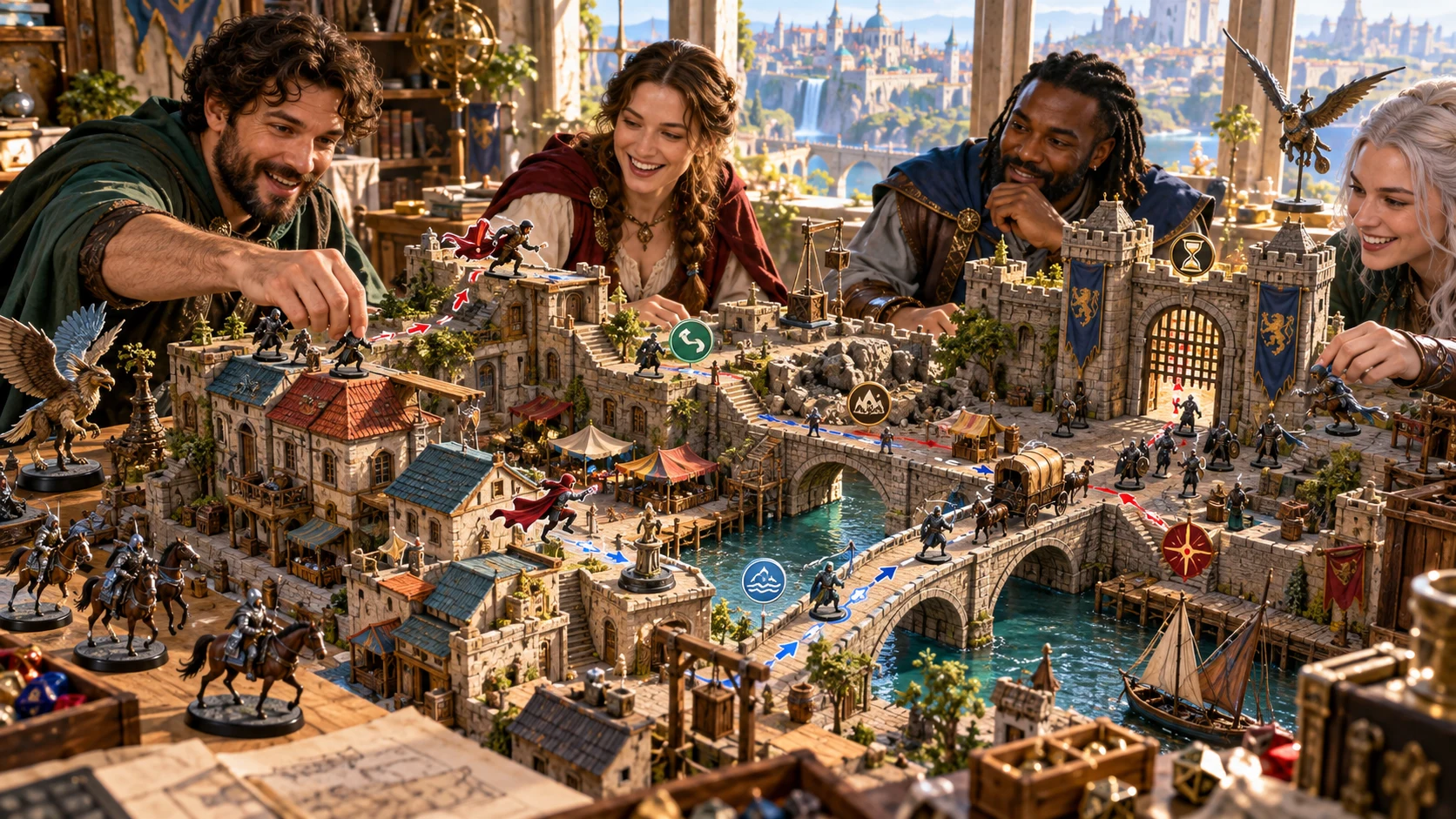
Prepare the moving pursuit
The illustration represents fictional scene preparation, not an application screen or generated image output.
Start with the pursuer, quarry, movement and stakes.
Choose the environment, intensity and starting distance.
From participants to a moving pursuit
Connect stages, movement and changing pressure.
Choose type, environment, tier, stakes and intensity.
Prepare four to eight stages around movement and distance.
Review routes, obstacles, reactions and timed events.
Check the finish, aftermath and chosen table material.
Your pursuit toolkit
Connect movement and distance to routes, obstacles, reactions and outside events.
Set chase type, environment, party tier, participants and stakes.
Prepare a sequence around movement, starting distance and surroundings.
Offer safer paths, risky shortcuts and ways around obstacles.
Add crowds, weather, visibility, fatigue and timed events.
Review complications, pursuer reactions and setbacks that keep play moving.
Prepare the finish and what capture or escape would mean.
Edit, lock, regenerate selected parts, undo and keep account-library versions.
Copy chosen Dungeon Master or player-facing material, download or print.
Choose the detail the chase needs
Add surroundings and movement that matter to the scene.
Start with the participants, stakes and intensity.
Set stage count, movement and starting distance.
Add terrain, heights, crowds, weather and visibility.
Include fatigue, vehicles, magic and outside events.
Keep useful pursuit material
Review the parts that suit your next session.
Edit, lock, regenerate and undo changes.
Save versions, rename, duplicate and reopen.
Search saved chases and add tags and notes.
Review the chosen view before sharing.

A pursuit to review
Review the starting separation, stages, branches and obstacles.
Check the changing distance and catch or escape conditions together.
Review player-facing details before sharing.
Pursuit preparation with a clear scope
Review the finish and any optional encounter preparation.
Prepare chase stages rather than ordinary travel.
Check distance, stages and catch or escape conditions.
Only objective and note prepare an inactive encounter.
No automatic combat start or initiative and hit-point transfer.
Choose your generator access
Choose the required generator access and review current pricing in your account.
Choose the required access for Chase & Pursuit Generator as a selected standalone generator.
Select this generator within an eligible pack. Review current capacity and pricing in your account.
Other generators, Battlemaps and image-credit products have their own access arrangements. They are not included automatically.
Create a free account, choose the required generator access and use Desktop Command Centre on Windows.
VISINVOKE means value
A focused tool for moving pursuits, meaningful route choices and practical running notes.

Start with who is chasing whom and why.
Offer branches, obstacles and risky shortcuts.
Prepare reactions, weather and timed events.
Review the chase and its finish for your table.
Build your tabletop toolkit
Each card opens its own product website. Review purpose and access separately; related products do not promise included access or automatic synchronisation.

Open your VISINVOKE products from Windows.

Frame a live exchange after an established social mistake.
Build the wider setting around your campaign.

Develop the places your party travels through.

Explore separate adventure environments.

Explore separate fantasy image creation.
Product artwork illustrates fictional scene preparation, not application screens or actual generated image output.
Quick answers
Understand the route, stages, revision, sharing and optional combat preparation.
Prepare a moving pursuit with starting separation, four to eight stages, branching routes, obstacles, risky shortcuts, complications and catch or escape conditions. Set who is pursuing whom, the stakes and how each side moves, then review the route and running notes for your table.
Create a free VISINVOKE account and review current generator access and pricing in your account. Choose the required access for this selected generator or an eligible generator pack. Other VISINVOKE products have separate access arrangements.
Quick starts with chase type, environment, party tier, pursuer, quarry, stakes and intensity. Deep adds stage count, movement, starting distance, terrain, heights, route branches, crowds, weather and visibility. Include mounts, vehicles, magic, fatigue, pursuer reactions, shortcuts and timed events as needed.
Choose from nine chase types and fourteen compatible environments. Prepare foot, mounted, vehicle, rooftop, wilderness, aerial, aquatic or magical pursuits. Review the stages, changing distance and catch or escape conditions together before running the chase.
Edit the chase, lock useful sections, regenerate selected routes, obstacles or outcomes, and undo changes. Save versions in your account library, rename or duplicate a pursuit, search, add tags and notes, then reopen it. Copy the complete Dungeon Master pursuit or chosen player-facing summary, download the structured record or print. Review current player-facing details before sharing, especially after edits, and keep private context in your own notes.
Open Chase & Pursuit Generator from the Generators collection in Desktop Command Centre on Windows. If the chase can lead to combat, optionally prepare a cornered confrontation or chokepoint ambush in Combat PRO. Only the selected objective and planning note transfer into an inactive encounter without enemies or zones. Stages, distances, routes and obstacles stay in the chase generator. Combat does not start automatically, and initiative, hit points or ongoing combat are not transferred.
Continue in VISINVOKE
Create a free VISINVOKE account and choose generator access.
Get Desktop Command Centre from your account installer page. Sign in on Windows and open Chase & Pursuit Generator.